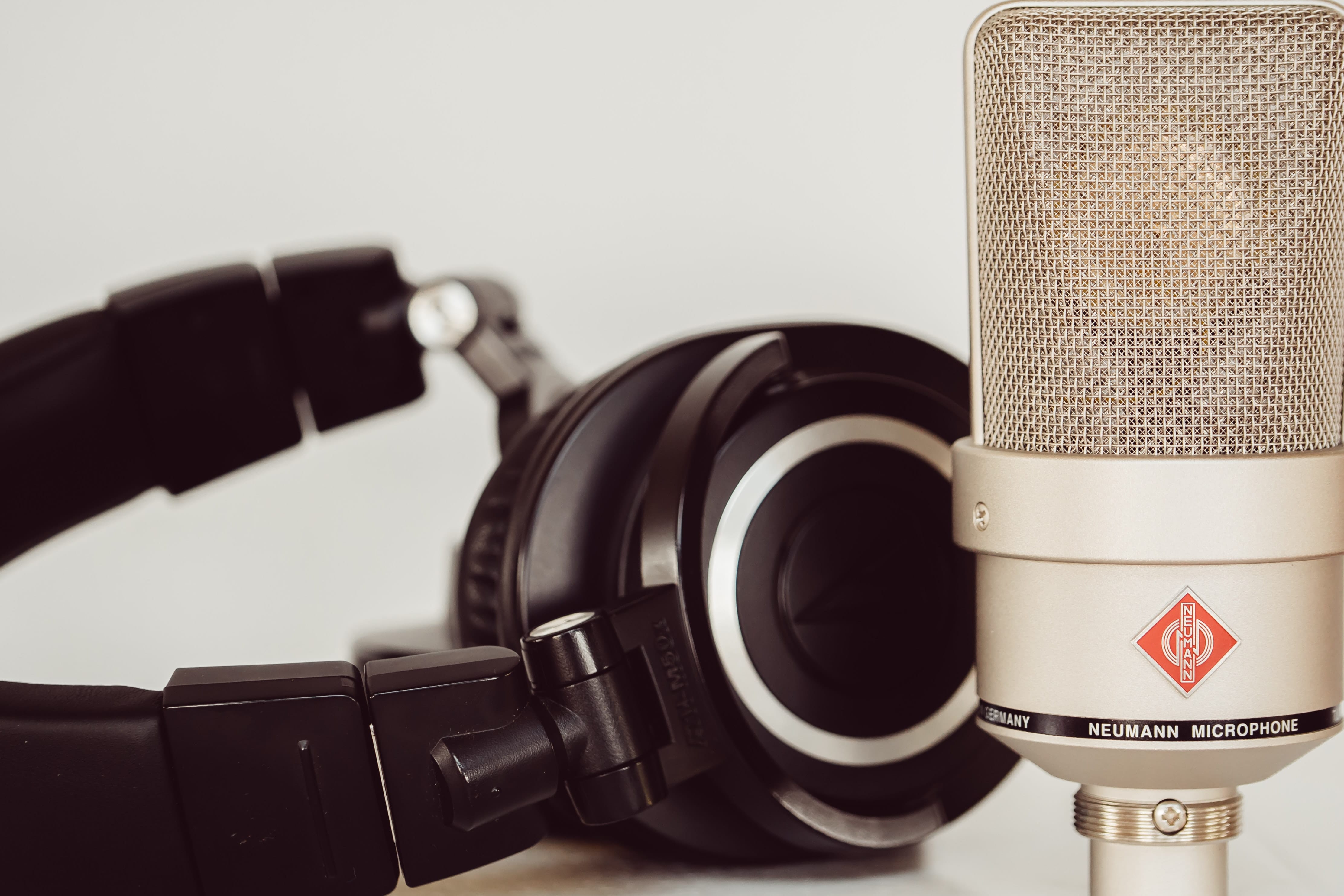
So, why your new shiny microphone sounds so awful?
Turns out, this is a common problem, especially for beginners… and it’s easy to fix! Check out the software settings and pick your microphone! Most likely that’s the only reason.
Wait… but how the sound is being captured then..? Your laptop has its own default mic, and that mic works instead of your Yeti or RODE. That is how… pretty simple.
Long story short — here’s how it sounds, feel the difference.
First Half — Standalone USB mic vs Second Half — Laptop integrated mic.
A Simple Solution
STEP #1
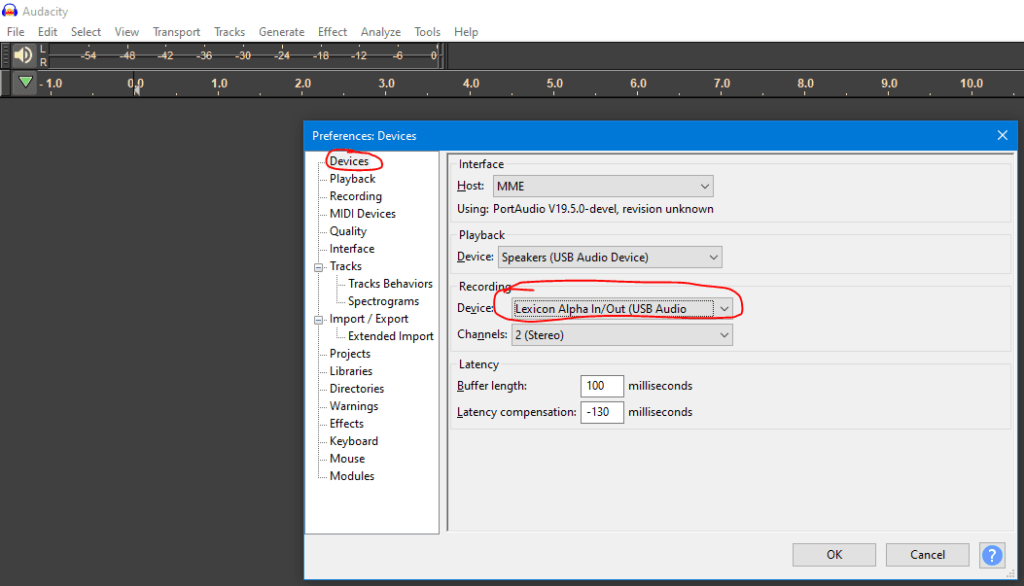
Go to Edit -> Preferences in your software (I use an Audacity as an example, but they all alike) and pick your microphone or audio interface from the drop down list.
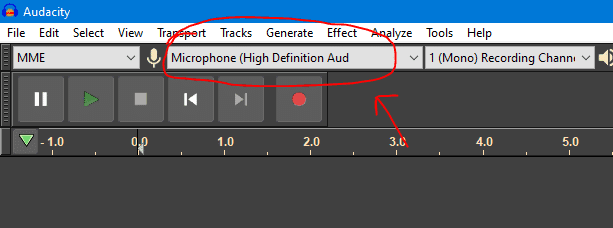
Or use the drop down menu in your toolbar (again, it’s an Audacity):
Still doesn’t work? Then…
STEP #2
Check out the global sound settings and choose your microphone. Here’s how it looks like in Windows.

WHAT ELSE
On a Mac sometimes your Audacity DAW doesn’t recognize the mic, so it might be helpful to even reboot your machine or get resourceful in some other way. Just don’t give up!
That’s it! Should be enough.
Yeah, and make sure the cable is actually connected to your machine! Just in case…
If you need an advice or assessment, or you want me to prepare your audiobook for publishing, please don’t hesitate to contact me!
Always work with those you want to hug ツ
— Stan